Yesterday I posted on here about turning the AT-D578UV into a single frequency repeater. I also wrote I couldn’t get the 878s to just monitor one time slot which is required for this to work. For some reason they monitor BOTH time slots normally. I didn’t know what setting I needed to get them to do this. I published that post and within an hour I figured it out on my own so I deleted that post.
This post is to show you the settings you need to select to get this to work for you as well.
First off you need three radios.
Second off all three radios need to be on the same frequency and all are on digital. They also need to be on some group Talk Group. They can’t have a private call selected.
Next one of the 878 needs to have Time Slot 1 selected and the second one needs to have Time Slot 2 selected.
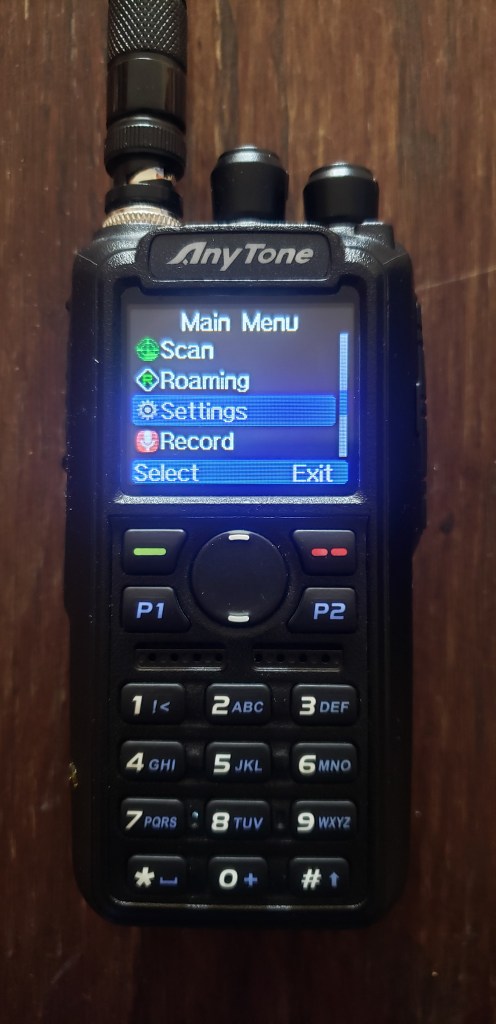
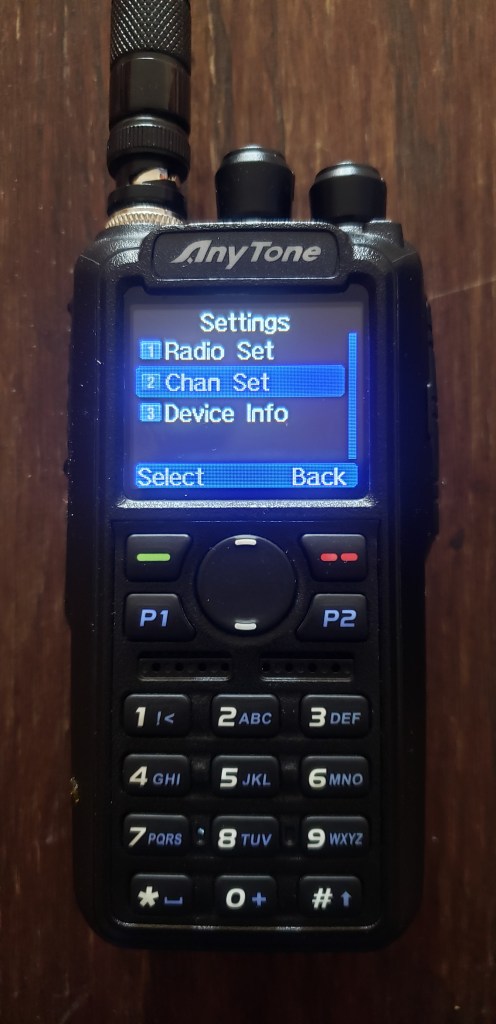
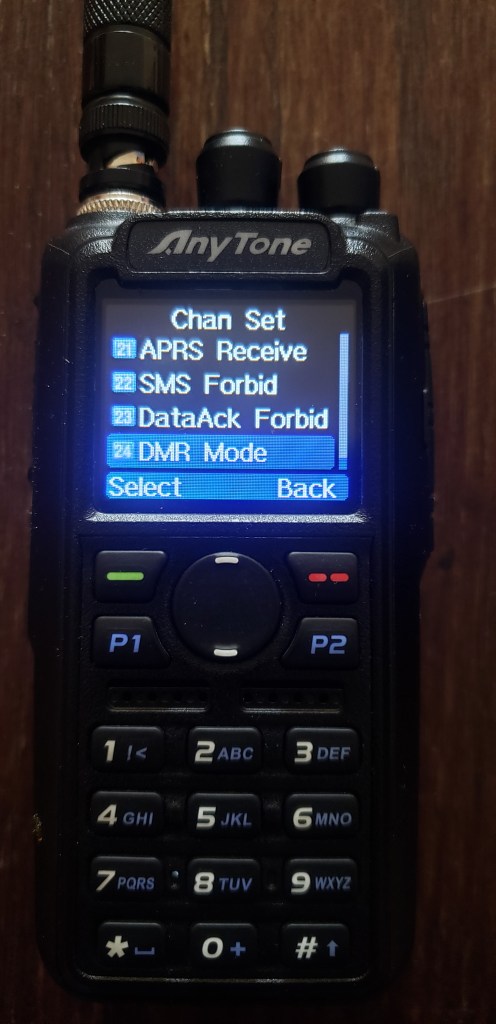
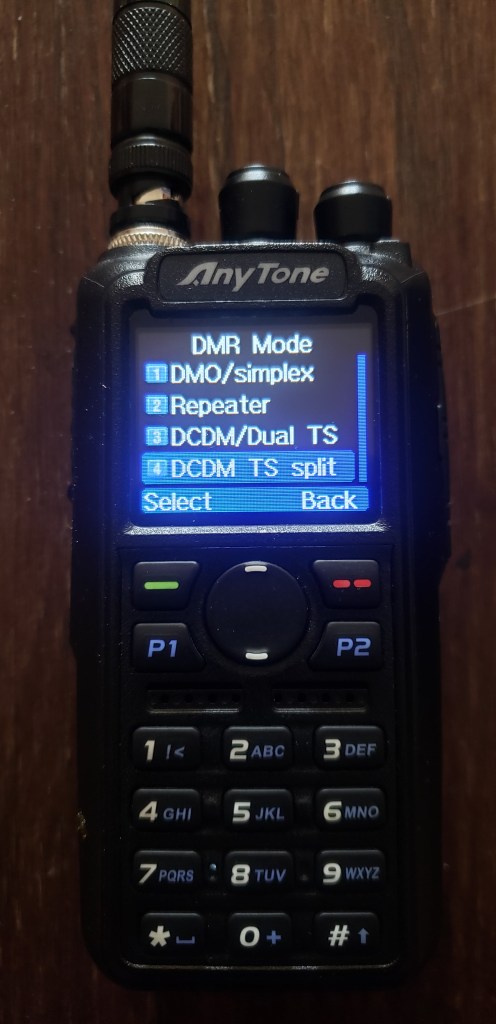
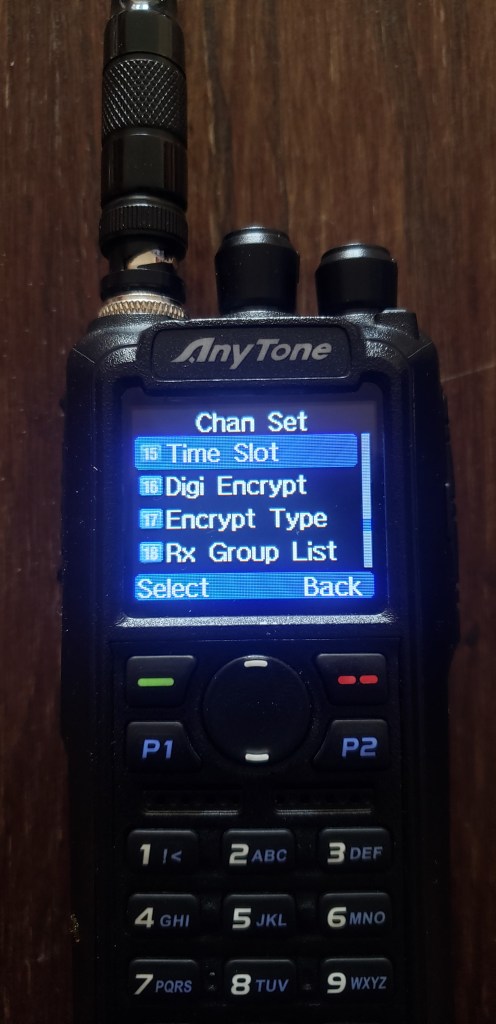
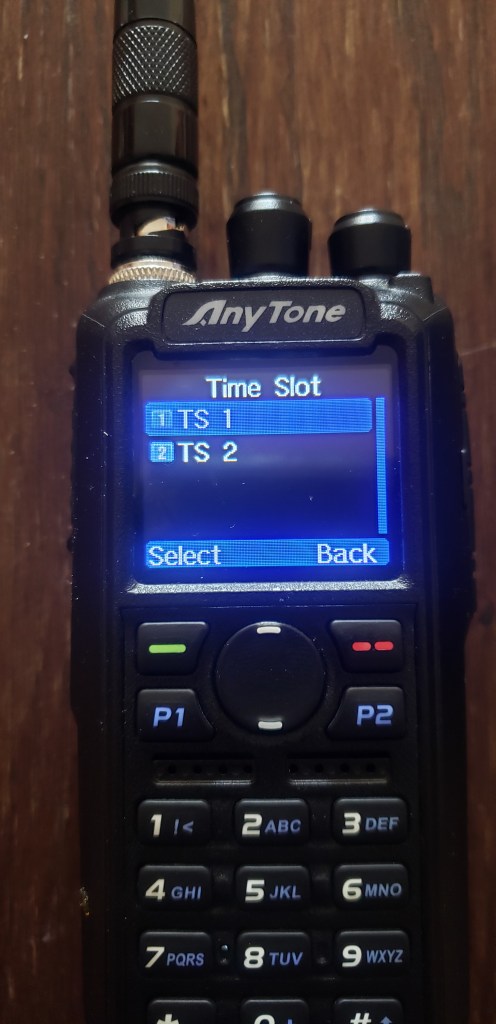
On the AT-D578UV you need to have your radio setup where there is dual frequencies showing. A & B should both have the same frequency punched in and both on digital. Line A should be Time Slot 1 and line B should be Time Slot 2 or vice versa. Just as long as they are not on the same time slot.
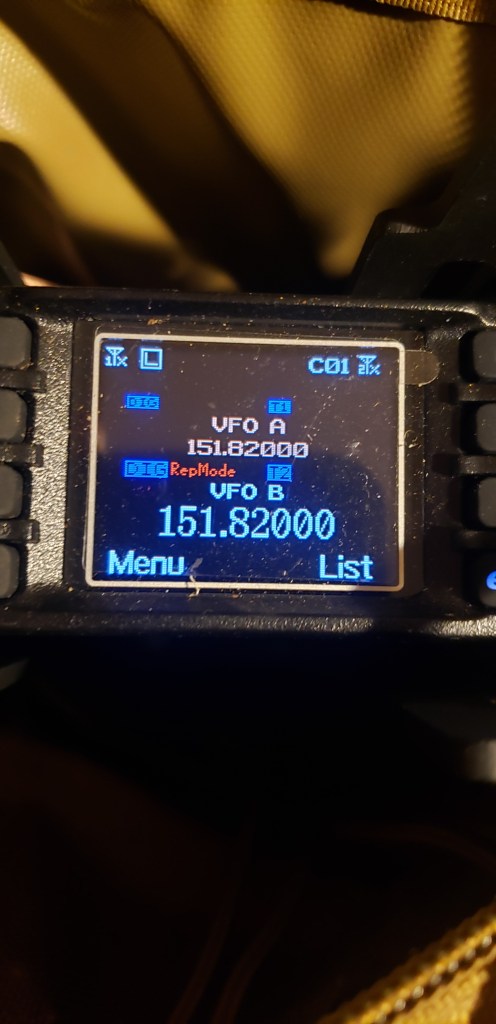

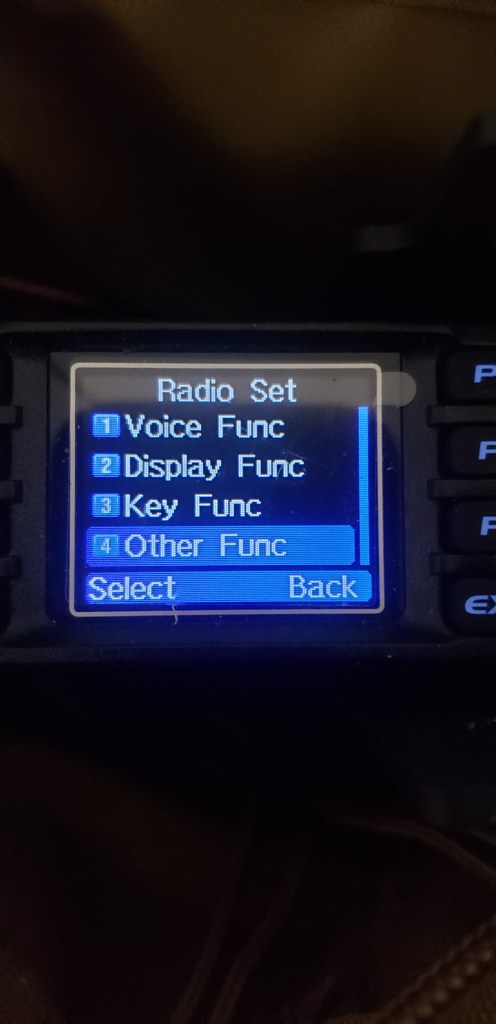
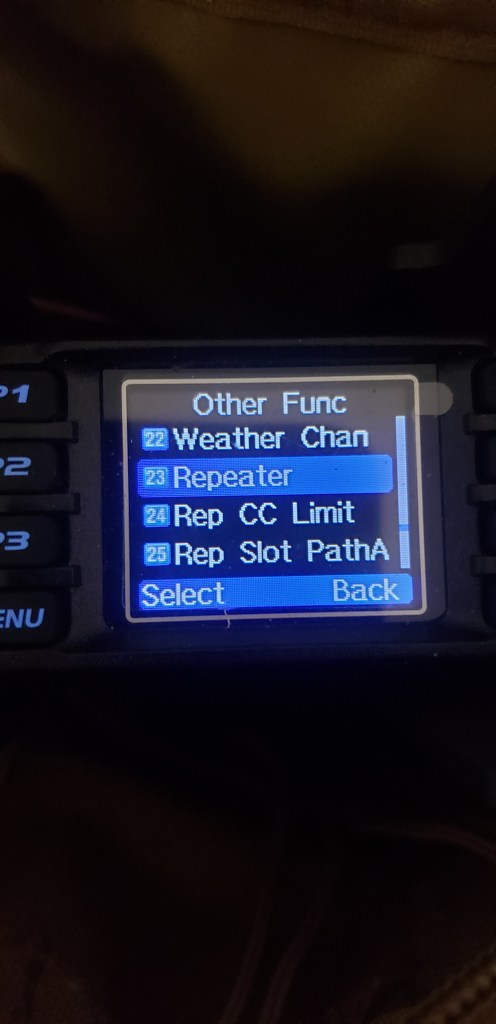

Hopefully this helps setting up the AT-D578UV as a digital repeater
 Wyoming Survival
Can this setup that you have configured from the AT-D878UVII Plus front panel be configured to a ‘channel’ via the CPS software? -it is not immediately obvious to me how to do it.
73, Pat
G4FDN
LikeLike
I wrestled and wrestled with this to get it to work. The key is setting “talkaround” to “off” on the 878s. Then both of them can be set on the same timeslot, with DMR Mode set to DCDM TS split. That will make them TX on one timeslot and RX on the other.
If you have talkaround set to “on”, even if DMR mode is set to DCDM TS split, they’ll TX and RX on the same timeslot. You can make that work if you’re only trying to connect two HTs via a single-frequency repeater (by setting one on TS1 and the other on TS2), but if you want more than two HTs to be able to hear each other through the SFR, you need to do it as I described above.
LikeLiked by 1 person